AI visual language learning
Shot & Chat
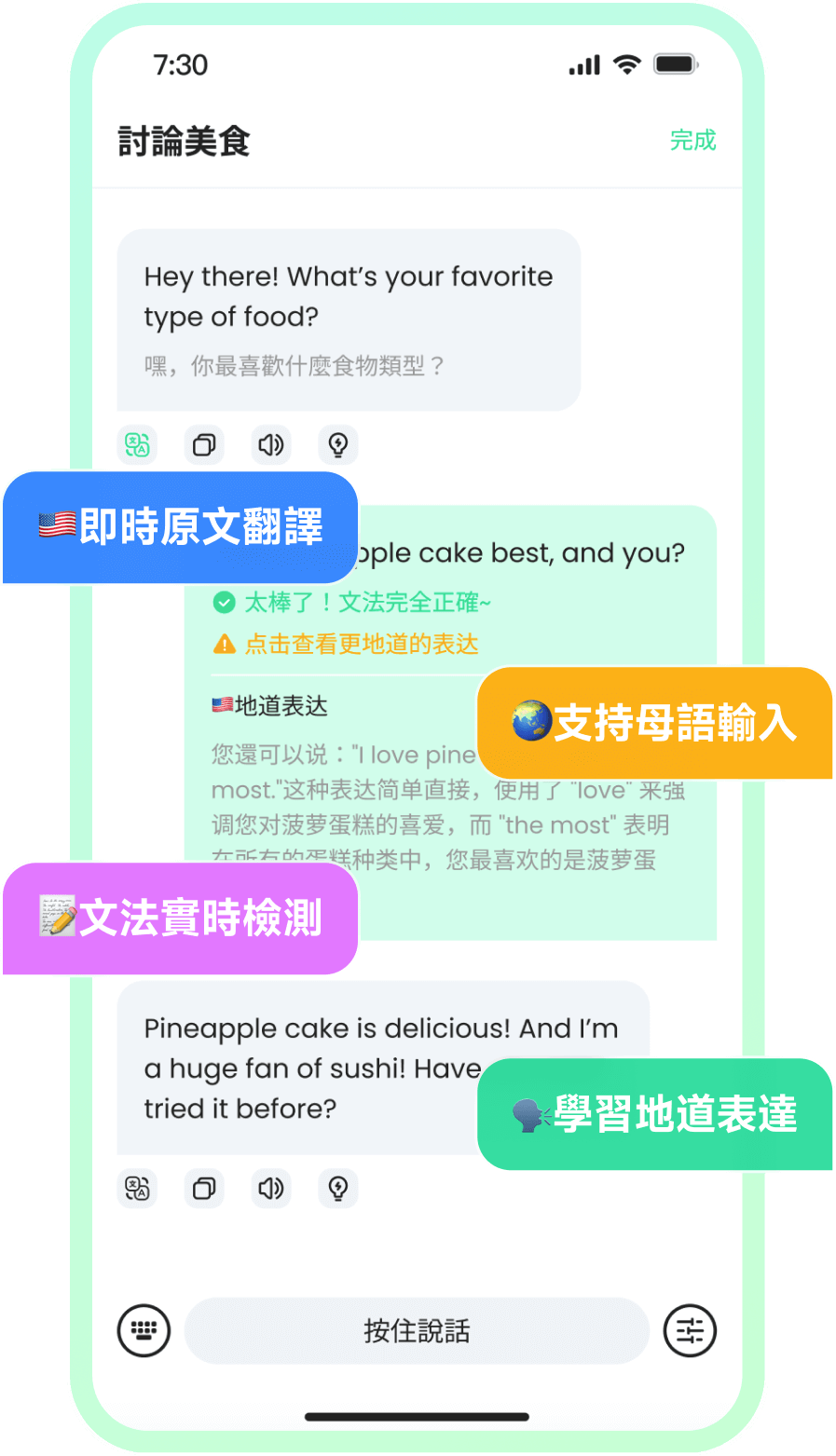
Vision learning helps learners describe what they see, learn words from real objects, and create immersive speaking moments from daily life.
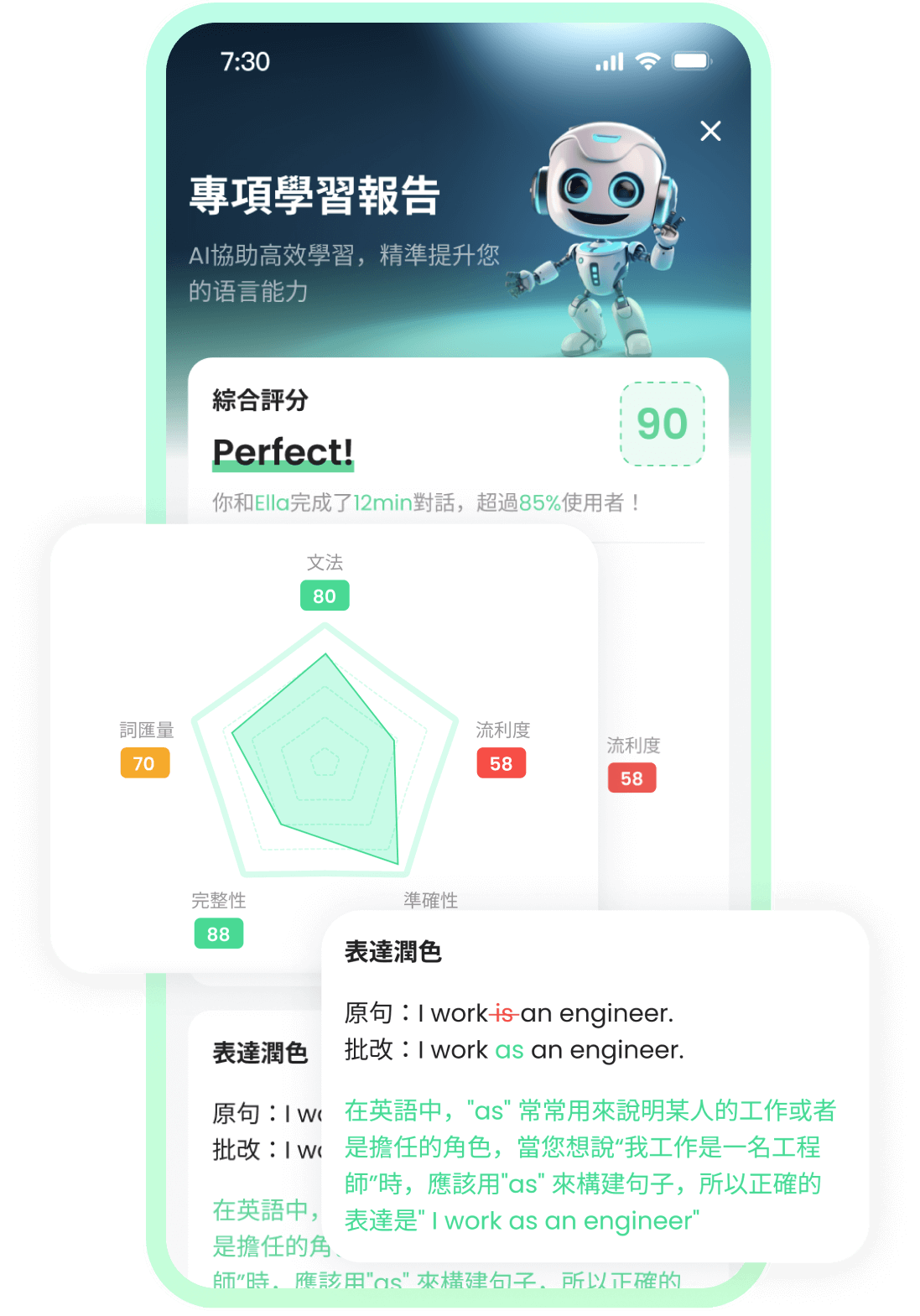
Each practice session moves from prompt to spoken answer to feedback, so learners know what to repeat next.

Why it matters
TalkOn gives learners a direct answer
Take a photo and turn the real world into speaking practice.
AI visual language learning
How AI speaking practice works
Choose a scene

Speak your answer
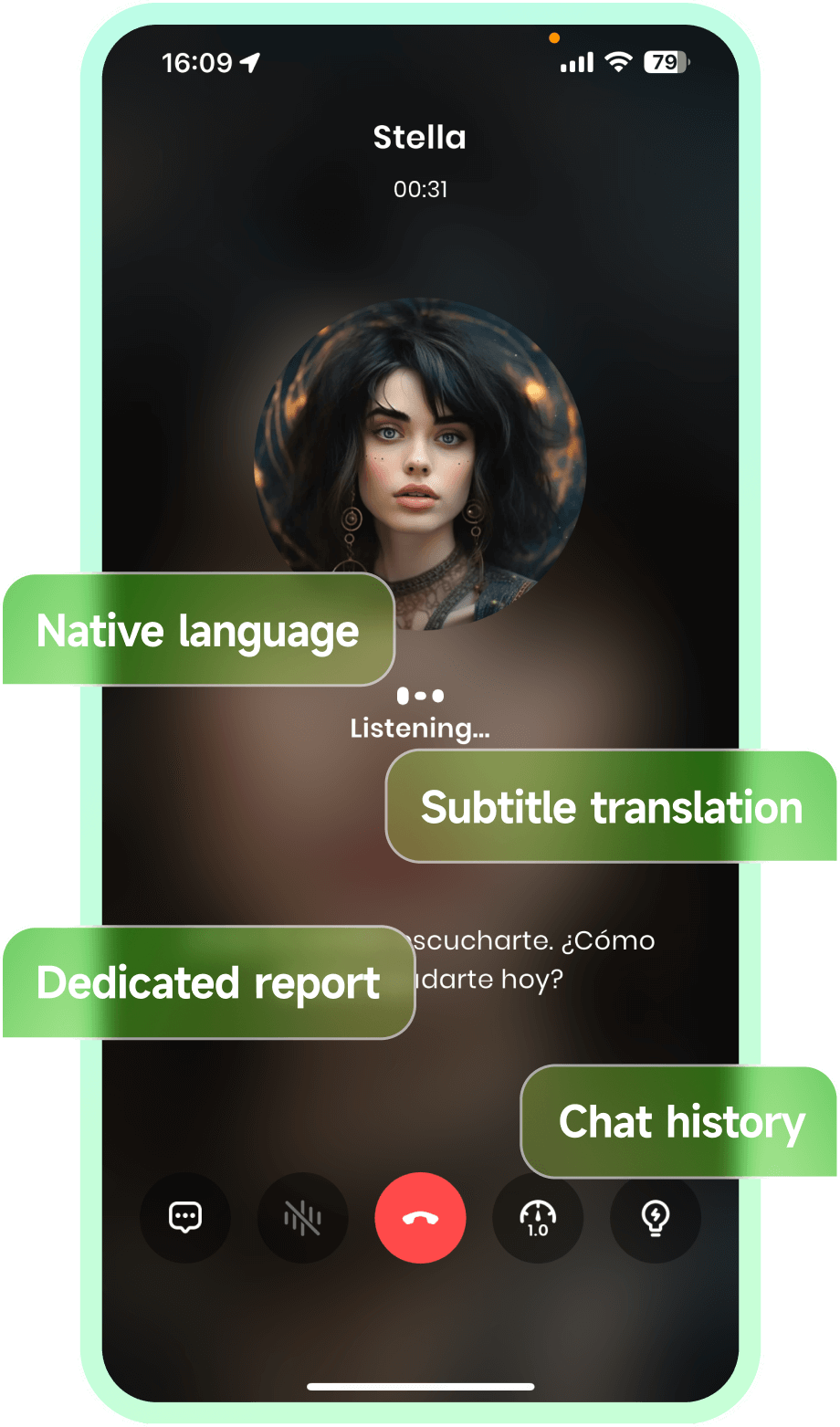
Get feedback
Repeat the stronger version
Short answers for learners comparing AI speaking tools.
Why choose TalkOn for speaking practice?
Live dialogue, correction, report, and review in one loop.
Built for speaking confidence.
Useful for vocabulary and passive review.
Less pressure to actually speak.
Great for deep coaching.
Harder to schedule and repeat daily.
Short answers for learners comparing AI speaking tools.
Frequently Asked Questions
How does visual language learning work?
Learners use a photo as the context for vocabulary, descriptions, and conversation practice.
Who is this useful for?
It is useful for learners who want to connect language with daily life instead of studying only from prepared lessons.